Custom ROMs are one of the best things about Android! If you’re ready to ditch your stock ROM and reap the many benefits of loading a custom ROM such as improved battery, better performance, and updates to the latest Android versions, then follow this guide. Backup your data before you proceed! If you want to learn more about what a custom ROM actually is, we have a guide for that.
For this guide, you will need:
- Unlocked bootloader
- Custom Recovery
- Android Device
- GApps
- Custom ROM
Step 1: Download a ROM
Find a ROM for your device, using the appropriate XDA forum. Make sure you download the right one for your device. Many phones have several variants. The Sony Z Ultra has more versions than I have friends, and both of them require different ROMs based on the carrier it comes on. So make sure you are getting the correct ROM, by verifying that it’s compatible with your phone model.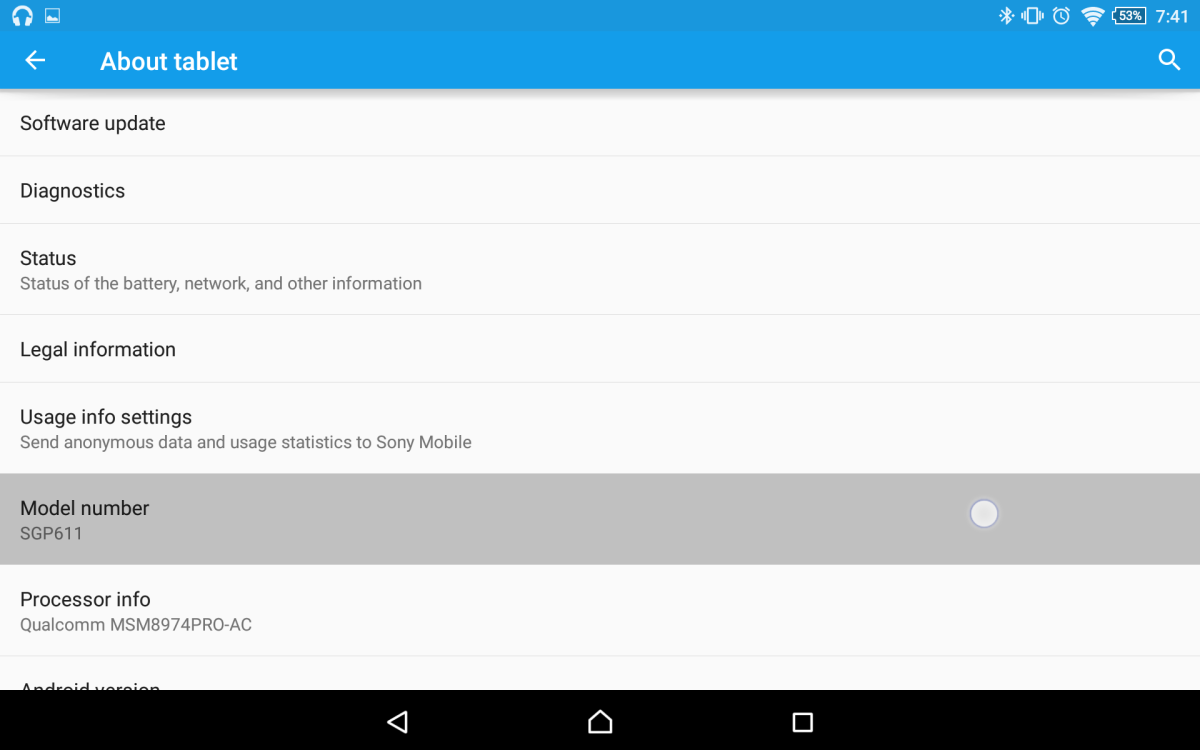
Once you have found the ROM you want, download the .ZIP file, which is going to be 500mb up to 1.5Gb. Do not extract it! Then find the corresponding GApps. If you are installing a ROM running on 4.4.2, you’ll want a GApps package for 4.4.2. Save your ROM and GApps to your SD card, internal storage, or flash drive.
Step 2: Boot into Recovery
To boot into recovery use your recovery combo buttons. If you don’t know which buttons to press, to access recovery, see this guide. On most devices it is Hold Vol Down + Power for 5 seconds. Once you are in recovery, you should see something like this…
 This is
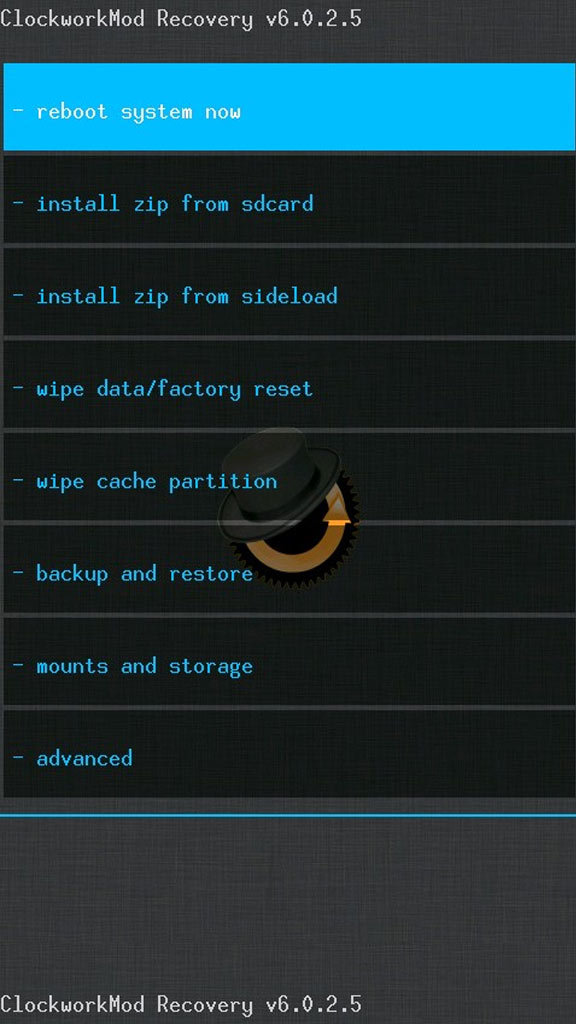 And this is ClockworkMod! Double woot!
Step 3: Flash ROM
Now go ahead and select “Install”…
 Install on TWRP
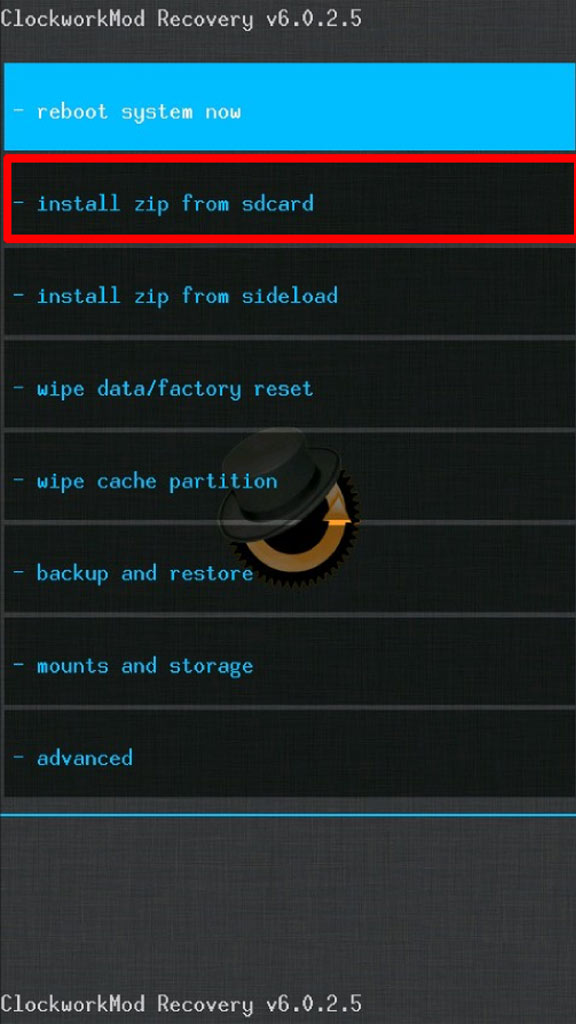 Install in ClockworkMod
Once you have selected your ROM file. Proceed to flash the zip…
 Apply update in TWRP
 Apply update in ClockworkMod
 Flash the file with TWRP
 Flash the file with ClockworkMod
Step 4: Clear Cache
After the install is complete, back out and clear your cache…
 Wipe with TWRP
 Wipe with ClockworkMod
While this is the most common way to flash a ROM, there are many different ways specific to each device. I’ll list a few of the most common pieces of software that will allow you to flash a ROM from your computer. These are better to use when you’re flashing the stock ROM back onto your device.
- For Nexus devices, use Nexus Root Toolkit
- For Samsung devices, use Odin
- For Sony devices, use FlashTool
Check your device’s XDA forum to see what kind of software is available for flashing ROMs.